
Choose the lightest output that answers the question
| Output | Best used for | Strength | What it does not prove |
|---|---|---|---|
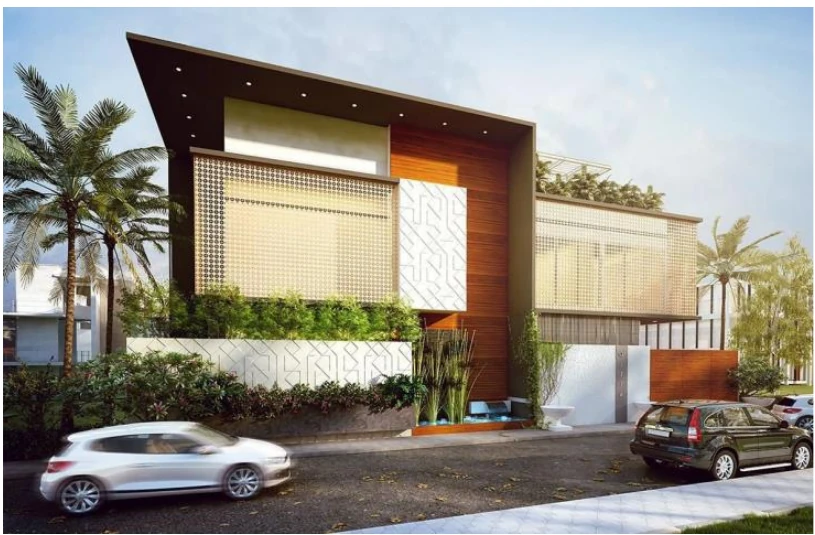
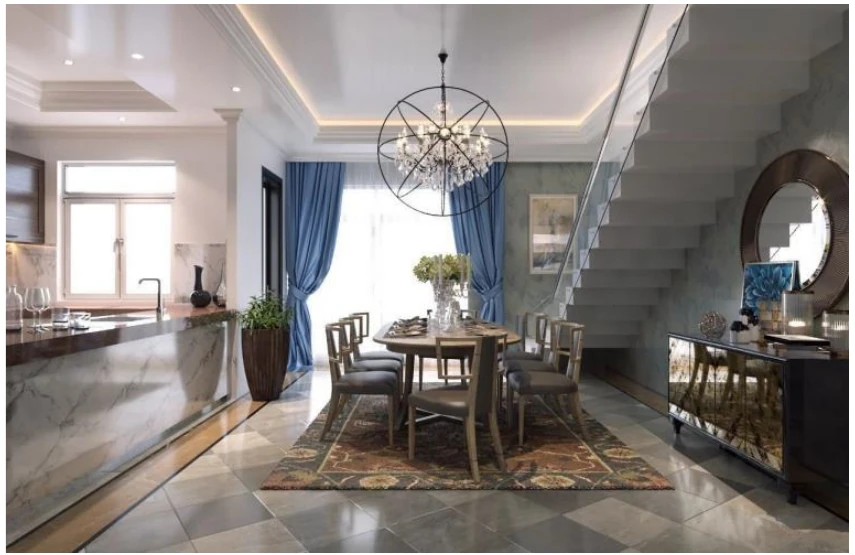
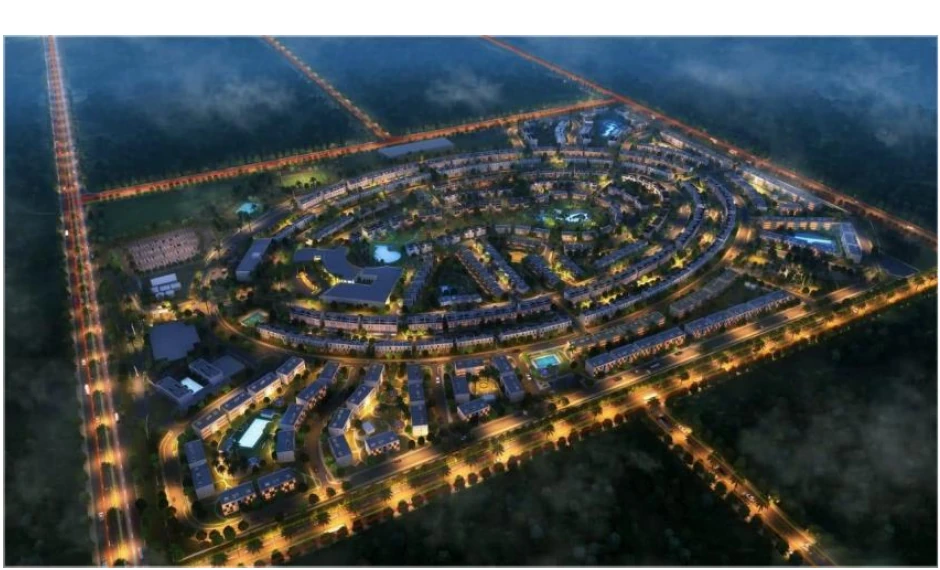
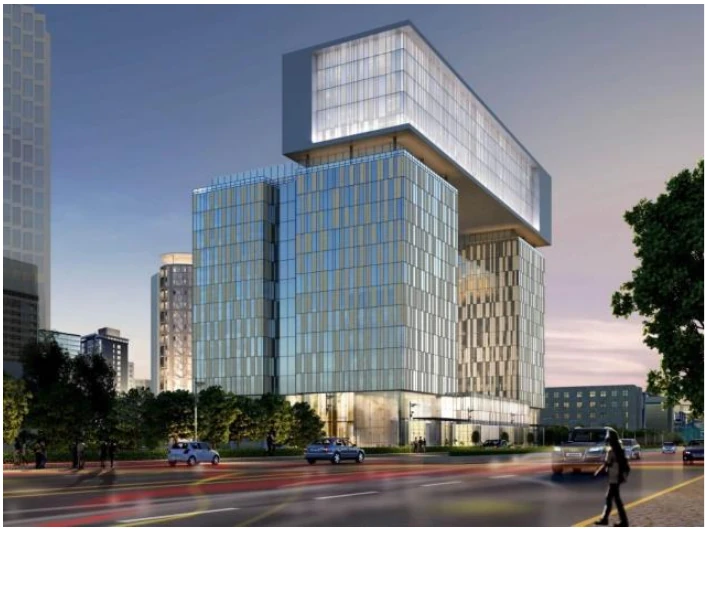
| Still rendering | Design options, approvals, marketing and a controlled viewpoint | Fast to review, easy to annotate and simple to distribute | That unseen spaces, circulation or technical coordination work |
| Animation or walkthrough | Sequence, movement, arrival, spatial continuity and a guided story | Controls what the audience sees and in what order | That the viewer can inspect every condition or make live choices |
| 360° panorama | Room-scale review with low interaction overhead | More spatial context than a still, often shareable through a link | Free movement, field alignment or a complete interactive model |
| Real-time presentation | Live option comparison, stakeholder navigation and interactive review | Lets the reviewer explore and switch prepared conditions | That the authoring BIM remains synchronized or contractually current |
| Virtual reality | Immersive scale, sightline, reach and experience review | Places the reviewer inside a prepared virtual scene | Construction accuracy, universal device support or comfort for every user |
| Augmented reality | Placing digital content in relation to a physical environment | Combines camera, tracking and spatial understanding with virtual information | Survey-grade alignment, concealed-condition truth or automatic site verification |
Useful rule: if a marked-up still can answer the decision, do not build an interactive application. If the decision depends on movement, scale, context or live data, a more immersive output may be justified.
Rendering is an output, not a model-quality certificate
A persuasive image can be produced from incomplete or simplified geometry. A coordinated BIM model can also look visually plain because its purpose is information delivery rather than marketing. Define which geometry and data must be trustworthy, which elements are visual proxies, and which view-dependent effects exist only for presentation.
Epic’s current Twinmotion documentation distinguishes images, panoramas, videos, 360-degree VR media and interactive presentations. That is useful because “a render” is not one deliverable: file format, resolution, viewpoint, interaction and distribution route change the production effort and review method.
Prepare a visualization model deliberately
- Freeze the decision point. Record the source-model revision and what the review is meant to approve.
- Separate technical truth from visual dressing. Identify modeled elements, proxies, entourage, materials, lighting and effects.
- Reduce without breaking meaning. Remove unnecessary detail, resolve duplicated geometry and manage links, texture sizes and object counts.
- Define viewpoints and variants. Name every camera, option, phase, time-of-day condition and visibility state.
- Test the actual delivery device. A workstation presentation, browser panorama, phone AR experience and headset review have different performance constraints.
- Issue a limitations note. State the source date, unverified conditions, excluded systems and whether the output is design, marketing, coordination or operational information.
VR and AR are not interchangeable
VR replaces the viewer’s visual environment with a virtual scene. Epic documents VR viewing for Twinmotion editor or presenter mode, local presentations and cloud panorama sets, with hardware and browser requirements varying by route. That makes VR useful when immersion and perceived scale matter—but device setup, frame rate, navigation, comfort and review facilitation belong in the brief.
AR places virtual content relative to the physical world. Google’s ARCore documentation describes motion tracking, environmental understanding and light estimation as core capabilities. In AEC use, the harder question is often not whether geometry can appear on a device; it is how that content is aligned, updated, permissioned and interpreted in the field.
AR caution: a convincing overlay is not automatically measurement evidence. Define the coordinate source, alignment method, device support, acceptable tolerance, update route and how discrepancies become controlled project issues.
When immersive review earns its cost
- The decision depends on human scale, sightlines, reach, clearance or wayfinding.
- Several non-technical stakeholders need to compare prepared options.
- A repeated space or operational sequence makes one review reusable.
- The team can name who will act on comments and how approved changes return to the authoring model.
When it probably does not
- The model revision is unstable or the decision owner is absent.
- The real need is a coordinated drawing, dimension or issue register.
- No one owns device setup, distribution, access or post-review changes.
- The visual experience would hide uncertainty that should be documented.
A digital twin is not a polished 3D model
A visualization communicates a prepared view of design or project information. A usable operational digital twin requires defined outcomes, structured and validated asset information, governance, ownership and—where required—connections to physical systems or time-varying data.
Autodesk’s Tandem documentation describes BIM data as a foundation that can be specified, captured and verified, then connected with operational systems. The important distinction is continuity: a static handover model may support a future twin, but it does not become a live twin merely because it is interactive or visually realistic.
A practical visualization brief
- Who will review the output, on which device and in which setting?
- What decision must the reviewer make?
- Which model revision and linked information are authoritative?
- Which views, spaces, options, phases or systems are in scope?
- What visual realism is required, and what can remain diagrammatic?
- Are stills, video, panorama, interactive presentation, VR or AR required?
- What resolution, aspect ratio, duration, frame rate or device target applies?
- How will comments be recorded, approved and returned to BIM production?
- Which assets, textures, music, people or brand elements require usage rights?
- What must be delivered at handover: source scene, media, model, viewer package or documentation?
See authentic ZX visualization evidence ↗
Primary sources checked for this guide
- Epic Games — Twinmotion documentation
- Epic Games — Images and panoramas
- Epic Games — Viewing Twinmotion content in VR
- Google Developers — ARCore overview
- Autodesk Help — What is Autodesk Tandem?
Product capabilities, device support, cloud availability and licensing can change. Confirm the current vendor documentation before committing a live project.