Coordination backlog
Review named model versions against an agreed clash matrix, tolerance and issue route; record interfaces for accountable decisions.
 ZX COLLABSSend project scope
 Construction-stage BIM support
We support contractors, trade partners, design-build and VDC teams with construction-stage models, coordination records, drawings, quantity information and handover preparation.
Begin with one representative model zone, interface, drawing set or handover requirement. We will agree a protected route before confidential files are shared.
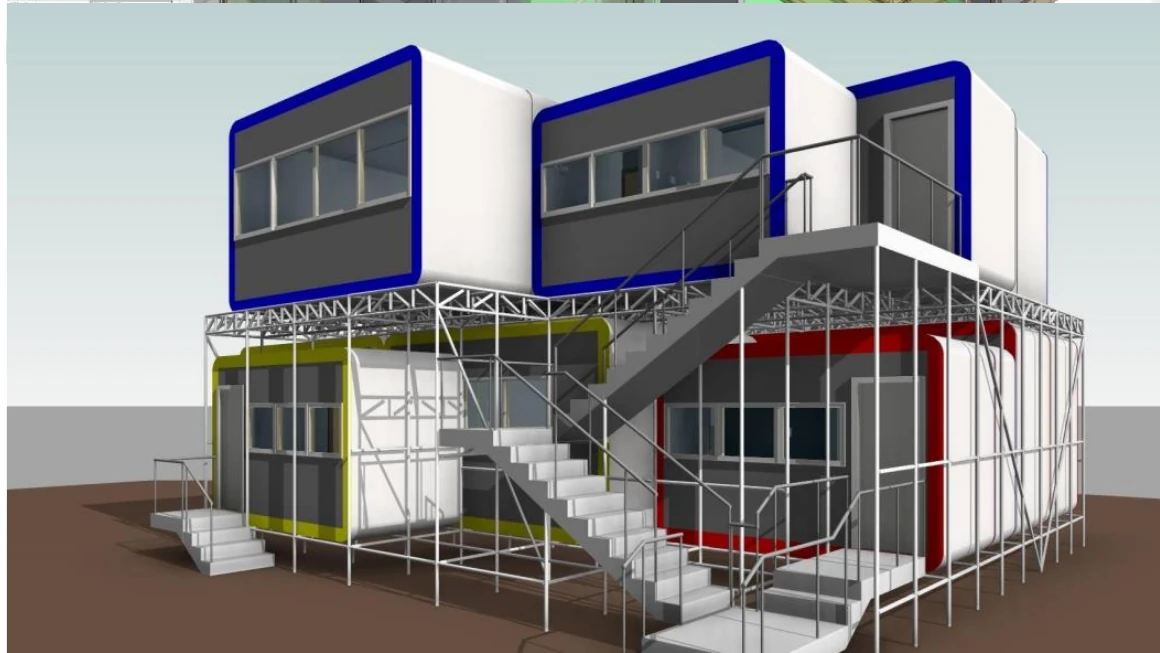 01 · Developed system model
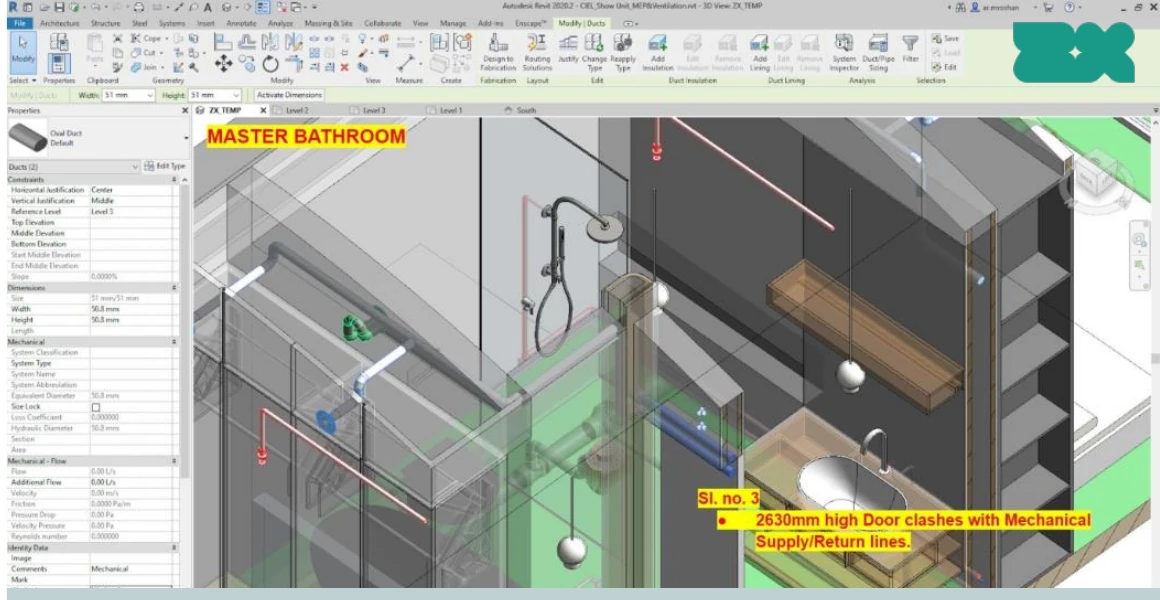 02 · Recorded interface issue
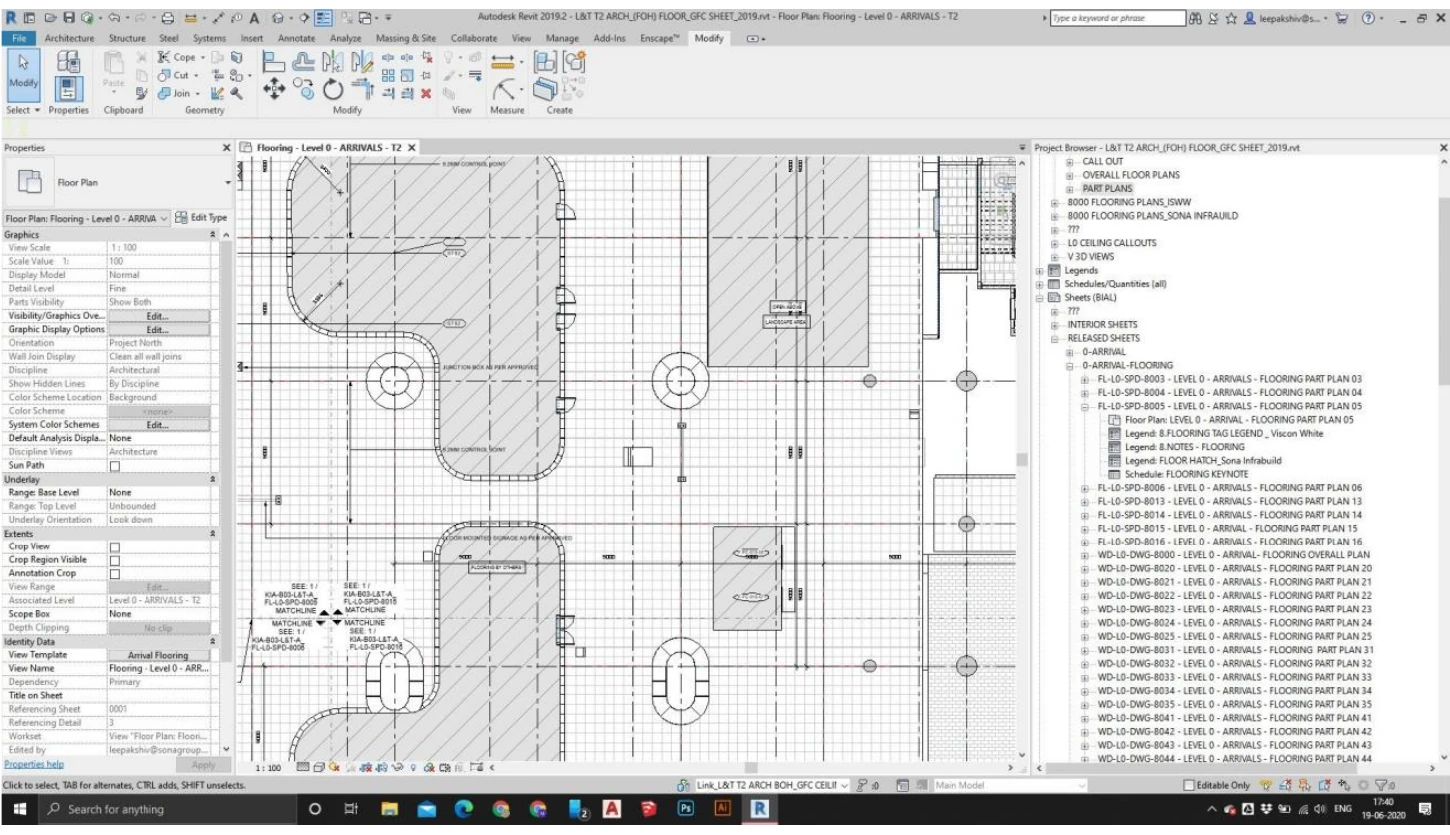
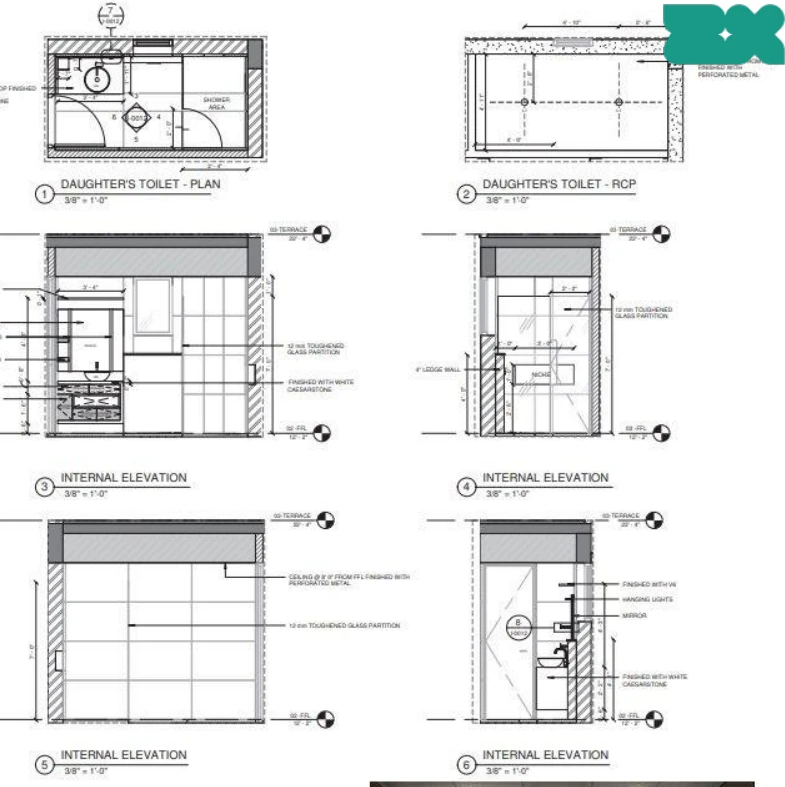
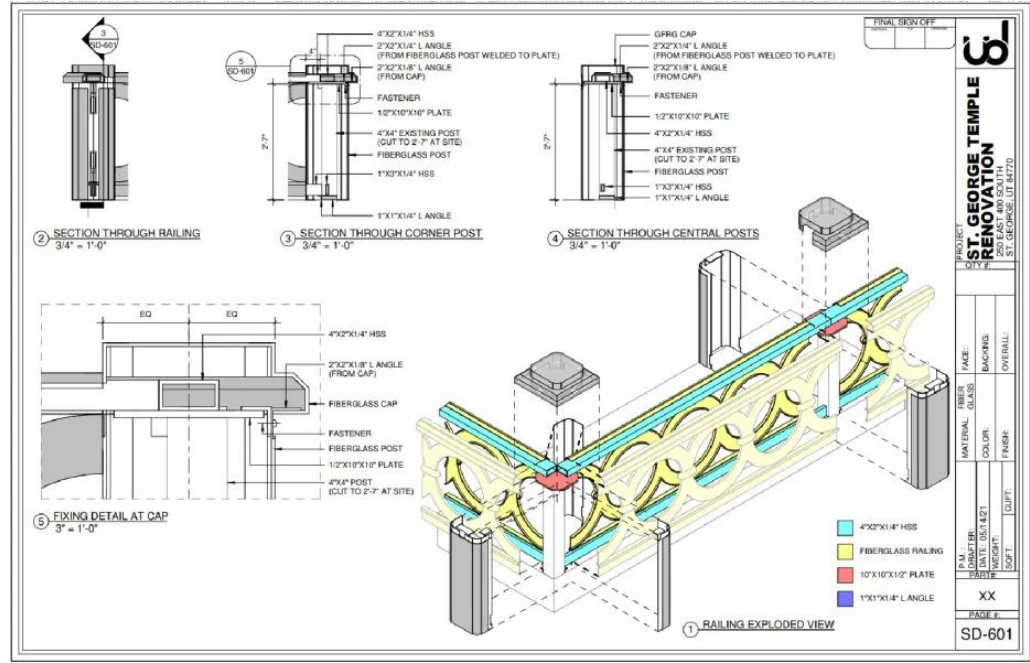 03 · Model-to-detail output
Where delivery load concentrates
The useful unit is not a generic modeler-hour. It is a named coordination, drawing, quantity, field-change or handover output that the project team can review and accept.
Review named model versions against an agreed clash matrix, tolerance and issue route; record interfaces for accountable decisions.
Develop a defined LOD 400, shop-drawing or installation-information package from approved design and supplier inputs.
Structure model information for stated measurement and planning uses while keeping assumptions and reconciliation visible.
Incorporate verified records, organize asset information and prepare agreed model/document deliverables for acceptance.
Across construction delivery
Model status, issue purpose and authority matter as much as geometry. The appointment names what our team produces and what the project team must verify or decide.
Confirm software builds, coordinates, linked information, naming, exchange route, clash matrix, tolerances and responsibility.
Federate the stated model versions, run named checks, create actionable issues and preserve verification evidence.
Produce agreed model zones, schedules, details or shop-drawing support from approved inputs and recorded decisions.
Audit element information and create schedules or exports around the stated measurement, comparison or planning use.
Incorporate authorized field records and package model, document and asset information to an agreed close-out check.
Related construction work
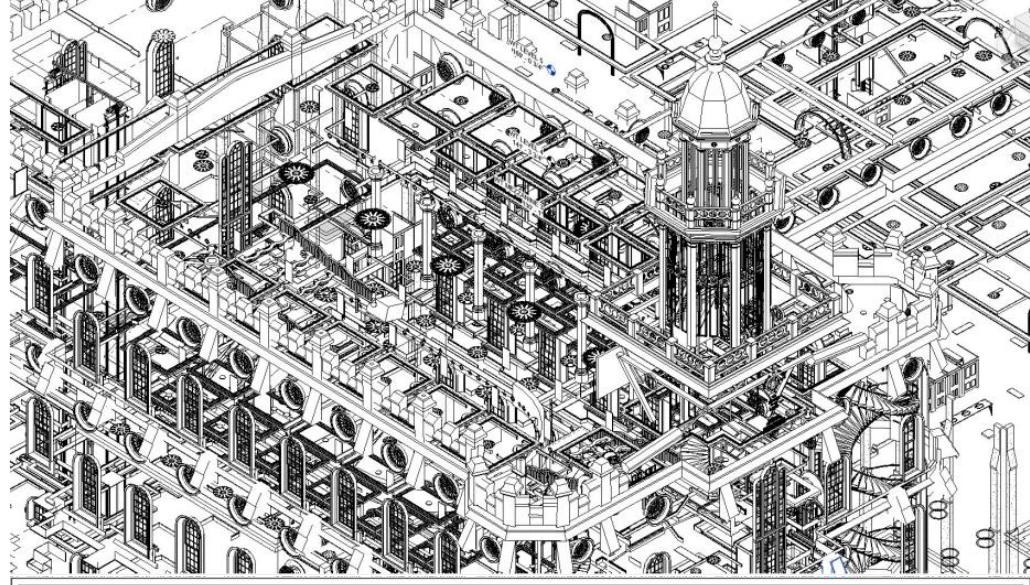
Institutional · Utah
Modular construction · Residential
Complex building · Bengaluru
Residential · Bengaluru
A construction BIM brief worth pricing
A federated file and deadline do not identify the decisions, tolerances, issue ownership or acceptance route. One representative interface makes the first review more useful.
Use + status — construction decision, issue purpose and current authority.
Model baseline — exact versions, disciplines, coordinates, links and source authority.
Check rules — clash matrix, tolerances, zones, exclusions and required evidence.
Issue ownership — who answers, decides, updates, verifies and closes.
Output package — models, drawings, schedules, reports, formats and naming.
Review + acceptance — cadence, revisions, gates, dates and completion record.
Choose the working shape
The route follows the interfaces, change rate and management load. Availability and assigned roles are confirmed against the live programme.
Named disciplines, model versions, checks, issue ownership and verification gates can be agreed for a zone or cycle.
Scope coordination ↗A defined model, drawing, quantity or handover set has approved inputs and a reviewable completion point.
Review output support ↗Recurring coordination and production work must follow the project CDE, meetings, issue cadence and standards.
Plan embedded capacity ↗Track exact model versions, issues, checks, closure and evidence.
Download ↗Free workbookConnect questions and approvals to implementation and verification.
Download ↗Free toolReview information, files, identifiers, verification and acceptance.
Open tool ↗Clear responsibilities
We agree the checks, approvals, quantities, programme inputs, field verification and handover status that belong to the package before work starts.
Construction, design, supplier and field information can change at different speeds. The live model versions, decision record and issue status govern each output.
Confidential models and credentials wait until the NDA, permissions, approved system and retention route are agreed.
Contractor outsourcing questions
A team can scope federated-model review, coordination issue production, construction-stage model development, LOD 400 or shop-drawing support, model-based quantity preparation, approved field-change incorporation, as-built organization or a defined handover package. Inputs, disciplines, outputs, review cycles, acceptance and exclusions must be named.
No. Coordination is a controlled review of named models, versions, rules, tolerances and interfaces. It can expose and track issues, but it does not guarantee that every condition is modeled, current, detectable or resolved. Design decisions, site verification and acceptance remain with the appointed parties.
We can support model and drawing production within an agreed scope. Engineering design, fabrication approval, manufacturer certification, trade sign-off and installation acceptance remain with the responsible project parties unless our appointment says otherwise.
Not without an agreed measurement basis and independent review. The scope must identify model versions, included elements, classification, units, rules, exclusions, waste, temporary works and reconciliation. Model-derived schedules are information outputs, not an automatic cost, order or payment guarantee.
We connect each question or issue to an owner, due date, decision, affected model or drawing, revision, implementation check and closure record. Our team can work within your CDE and issue process once access, permissions and status codes are agreed.
Yes. One real zone, interface, drawing set or handover sample can form a small pilot. Use the actual software environment, coordination rules and review process so the result reflects live delivery.
Name the asset-information purpose, authoritative field records, verification responsibility, model and document formats, identifiers, required properties, acceptance checks and future system. A construction model does not become a verified as-built or operational digital twin merely by changing its issue label.
Start with the deliverable
Send the current stage, representative model zone or drawing, disciplines, required output, software build, issue route, reviewer and target date. We will identify missing scope controls before proposing effort or a team.