
For BIM practitioners + modelers
Produce, check and hand over better BIM work
Use practical controls for model production, coordination, QA, exchange and handover—then understand why each check exists.
Start with Coordination + QA Controls ↗Browse everythingRecommended route
Start with one. Use the next two when you need them.
The first resource gives this role the clearest starting point. Nothing is locked behind an email or account.
Coordination + QA Controls
Track model health, exchange readiness, clashes, actions, ownership, due dates, verification and closure.
Model Handover Readiness Check
Test model, data, document, ownership and archive readiness before an exchange or close-out.
LOD Decision Helper
Choose a sensible starting level from what the model needs to support.
More for BIM practitioners + modelers 5
Information Delivery Controls
Drawing and model register plus MIDP/TIDP controls, ownership, dependencies, status, issue dates and acceptance.
AEC Unit Converter
Convert common length and area units without leaving the project conversation.
BIM Standards, Tools + Object Directory
Find official standards, guidance, open-source tools, object libraries and industry reports.
Case Studies + Project Media
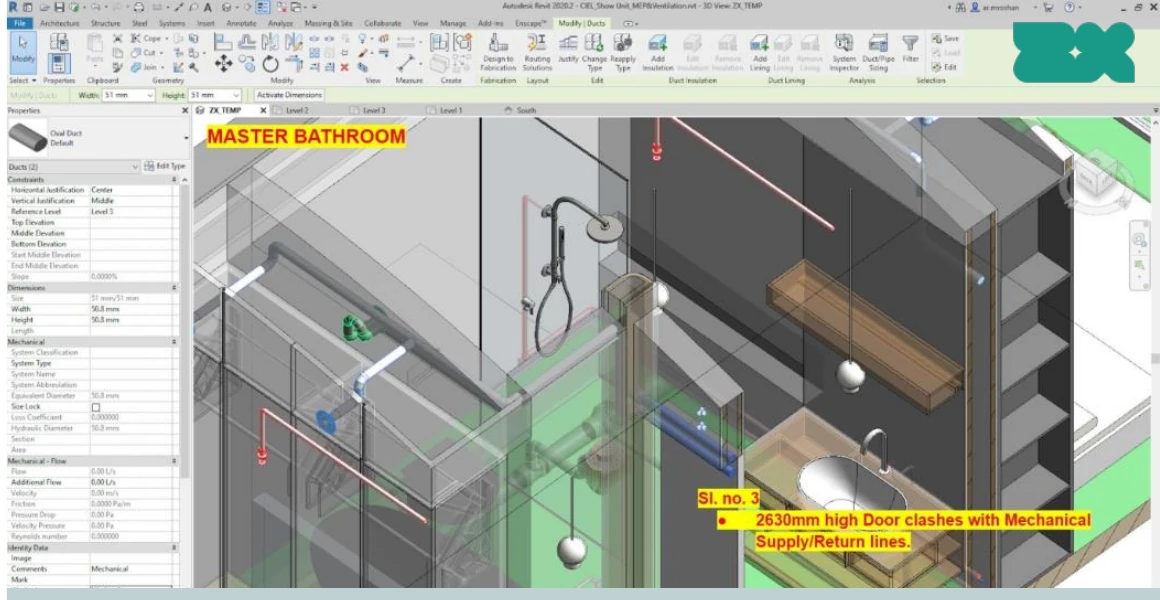
Browse selected project work, drawings and model views, with a clear explanation of what our team handled.
ZX BIM Brief
Dated, source-led briefings on products, policy, AI, plugins, events, licensing, visualization and open standards.
Keep these decisions visible
Use BIM for an outcome—not as a label.
- 01
What must be complete before exchange
- 02
How to record model health and coordination closure
- 03
How model purpose changes LOD and verification
- 04
When a plugin or family source is safe to trial
Apply the learning
Take one useful control into the next exchange.
Use the QA workbook, handover check or LOD helper on a real task, then explore related project material.
Discuss delivery capacity ↗